General
1 min
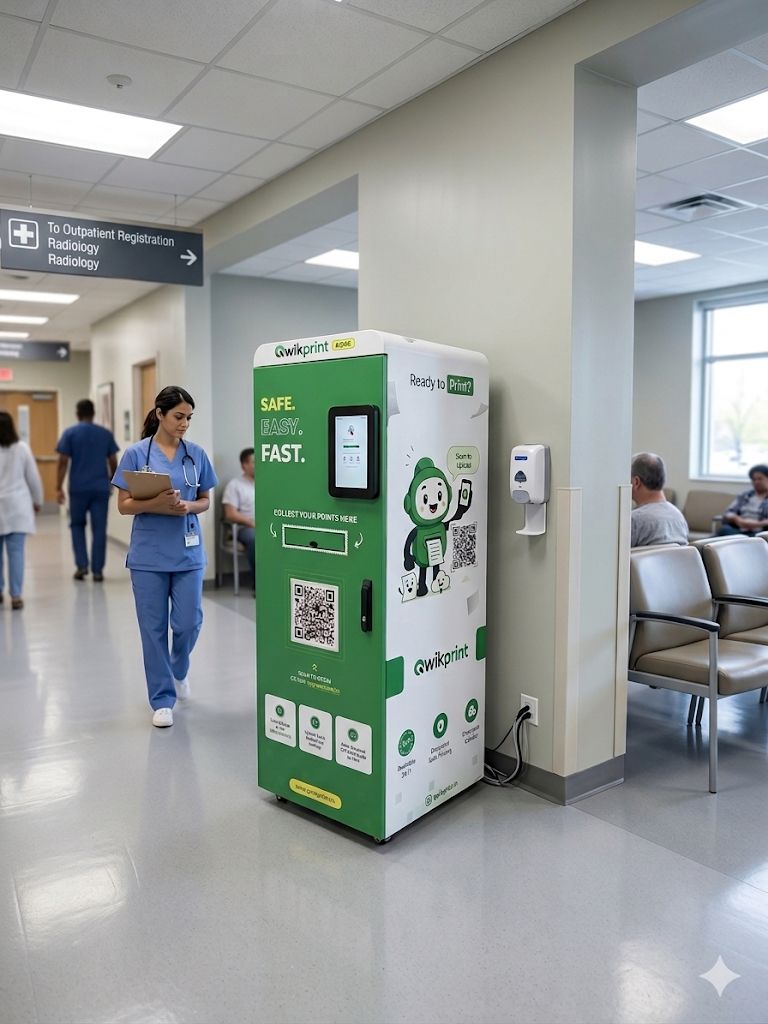
Hospitals are built to save time, improve patient care, and reduce stress during critical situations. Yet one surprisingly common problem continues to affect hospitals across India: printing documents.
Whether it's a discharge summary, insurance claim form, prescription, lab report, or consent document, patients and their families often need printed copies at short notice. Unfortunately, most hospitals still rely on shared staff printers or ask visitors to find a print shop outside the premises.
For families already dealing with medical emergencies, this creates unnecessary delays and frustration. This is exactly the problem QwikPrint was designed to solve.
The Hidden Printing Problem in Hospitals
Every hospital generates hundreds of documents every day. These documents are essential for patient care, billing, insurance processing, and administration.
Commonly printed documents include:
Discharge summaries
Lab reports
Prescription slips
Insurance claim forms
Consent forms
Scan and X-ray reports
OPD tokens and appointment slips
Internal administrative documents
Despite this constant demand, very few hospitals offer a convenient self-service printing solution.
As a result, patients are forced to depend on busy staff members or leave the hospital entirely to find a nearby print shop.
Why Traditional Printing Methods Don't Work
Most hospital printers are intended for staff use only. They are connected to specific workstations, located inside administrative areas, and often occupied throughout the day.
This creates several challenges:
Long waiting times
Additional workload for hospital staff
Delays in discharge and billing processes
Frustration for patients and visitors
Lack of access during nights and emergencies
In a healthcare environment, even small delays can have a significant impact on patient experience.
Introducing QwikPrint for Hospitals
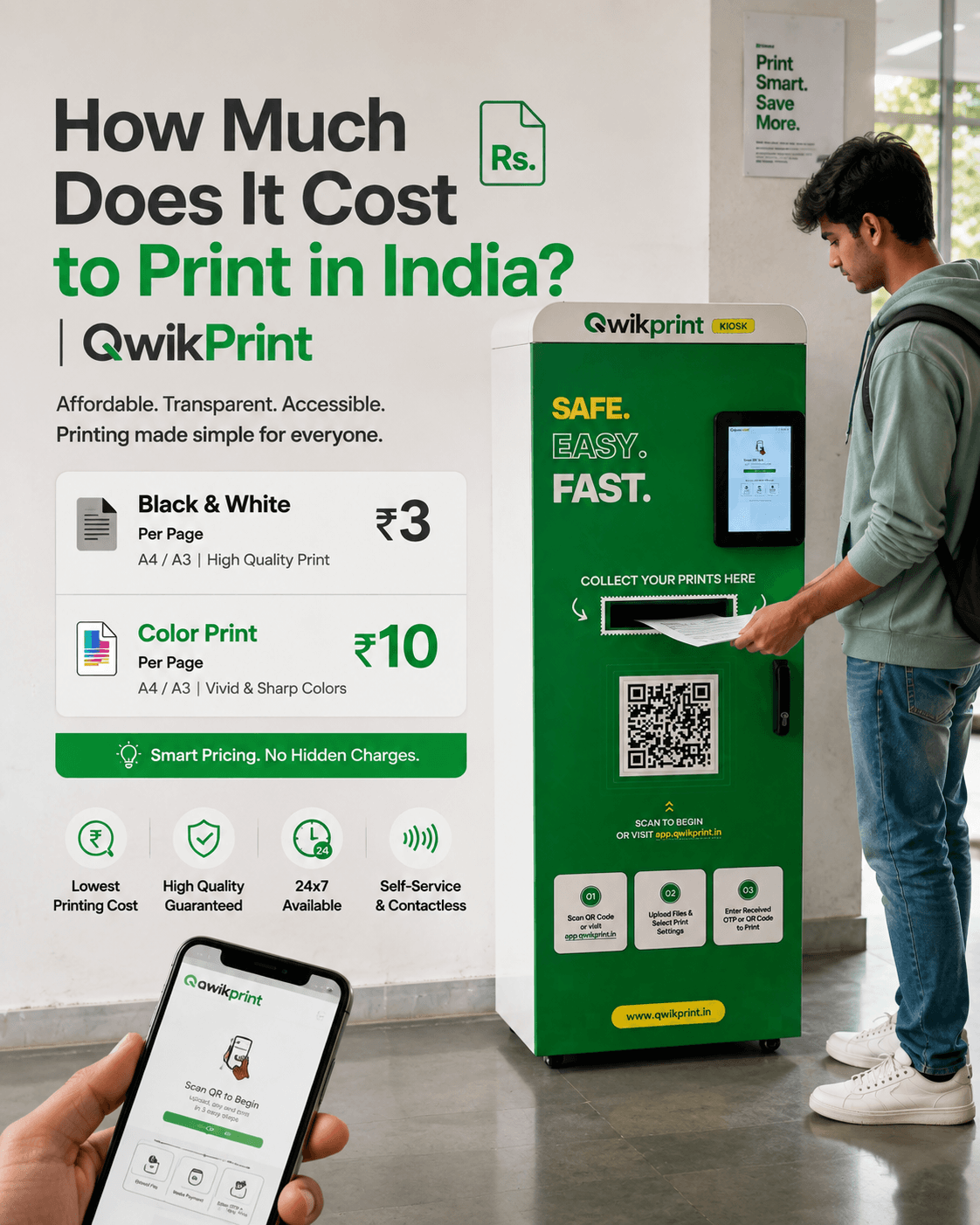
QwikPrint is a fully automated 24/7 smart printing kiosk that allows patients, visitors, and hospital staff to print documents directly from their smartphones.
No staff assistance is required.
No app installation is needed.
No one has to leave the hospital.
Users simply upload their document, select print settings, enter their OTP at the kiosk, and collect their printout within seconds.
How QwikPrint Works
The process is intentionally simple so that anyone can use it.
Step 1: Upload the Document
Users visit app.qwikprint.in and upload their file directly from their phone, email, or cloud storage.
Step 2: Choose Print Settings
They select:
Black & White or Color
Single-sided or Double-sided
Number of Copies
Step 3: Collect the Printout
At the kiosk, users enter their OTP or Order ID and receive their printout instantly.
QwikPrint can print up to 25–30 pages in under 60 seconds.
Why Hospitals Choose QwikPrint
Available 24/7
Medical emergencies do not follow office hours. Patients often require documents late at night, early in the morning, or during weekends.
QwikPrint remains available around the clock without requiring any hospital staff involvement.
Reduces Staff Workload
Hospital staff should focus on patient care—not printing requests.
By allowing patients and visitors to print documents independently, QwikPrint significantly reduces administrative interruptions.
Faster Discharge and Insurance Processing
Discharge summaries, insurance papers, and billing documents can be printed immediately, helping hospitals speed up patient discharge procedures.
Complete Privacy for Medical Documents
Medical records contain highly sensitive personal information.
QwikPrint protects patient privacy through:
End-to-end encryption
Secure document handling
Automatic file deletion after printing
Compliance with India's Digital Personal Data Protection Act (DPDP), 2023
No operator or third party ever sees the document.
Benefits for Hospital Management
Installing a QwikPrint kiosk offers benefits beyond printing convenience.
Hospitals can:
Improve patient experience
Reduce operational bottlenecks
Decrease administrative workload
Support digital transformation initiatives
Provide a modern self-service facility
Access real-time usage data through the QwikPrint dashboard
Most importantly, hospitals receive these benefits without any operational burden.
QwikPrint manages maintenance, consumables, software updates, and technical support remotely.
QwikPrint at a Glance
Feature | Details |
|---|---|
Space Required | 2 × 2 feet |
Operating Hours | 24/7 |
Connectivity | 4G, Wi-Fi, Ethernet |
Power | Standard 230V Socket |
Print Speed | 25–30 Pages in Under 60 Seconds |
Security | Encrypted & Auto-Deleted Documents |
Payments | UPI, Cards & Digital Payments |
Maintenance | Fully Managed by QwikPrint |
Is QwikPrint Right for Your Hospital?
If your hospital serves more than 100 patients or visitors daily, operates a busy OPD, pharmacy, or discharge desk, and currently lacks a self-service printing solution, a QwikPrint kiosk can deliver immediate value.
The demand already exists every day. QwikPrint simply ensures that patients can meet that need inside the hospital instead of searching for solutions outside it.
Conclusion
Healthcare is about removing friction wherever possible.
While hospitals invest heavily in medical technology and patient care systems, everyday administrative challenges such as printing often remain unresolved.
QwikPrint bridges this gap by offering a secure, self-service, and always-available printing solution that improves the experience for patients, visitors, and hospital staff alike.
For hospitals looking to improve efficiency and enhance patient convenience, a QwikPrint kiosk is a simple addition that delivers measurable impact from day one.