Guides
6 min
By QwikPrint Team

Short answer: Download your e-Aadhaar PDF from the official myAadhaar website using the OTP sent to your registered mobile number. Open it with the password, which is the first four letters of your name in capitals followed by your year of birth (for example, RAMK1989). Then print it on plain A4 paper. UIDAI treats a downloaded e-Aadhaar as equally valid as the Aadhaar letter that comes by post.
Whether it’s for a bank account, a SIM card, a college admission or a job joining kit, someone always seems to want a copy of your Aadhaar at the last minute. Here’s how to get a clean printout quickly, without handing your documents to a stranger.
Is a printed e-Aadhaar valid?
Yes. The e-Aadhaar you download from UIDAI’s website is digitally signed by UIDAI, and UIDAI states it is as valid as the physical Aadhaar letter. A printout of that PDF on ordinary paper works as proof of identity and address in most places. You don’t need to wait for a card to arrive by post.
How do I download my e-Aadhaar?
You need your Aadhaar number (or enrolment ID) and the mobile number registered with Aadhaar, because the download is confirmed with an OTP.
Go to myaadhaar.uidai.gov.in and choose Download Aadhaar.
Enter your 12-digit Aadhaar number and the captcha, then request an OTP.
Enter the OTP sent to your registered mobile number.
Choose whether you want a masked Aadhaar (more on that below), then download the PDF.
You can also download it from the mAadhaar app or from DigiLocker if you already use them. If your registered mobile number has changed, you’ll need to update it at an Aadhaar enrolment centre before you can receive the OTP.
What is the e-Aadhaar PDF password?
The PDF is password protected. The password is the first four letters of your name exactly as it appears on your Aadhaar, in capital letters, followed by your year of birth in four digits.
Name on Aadhaar | Year of birth | Password |
|---|---|---|
Mahesh Kumar | 1989 | MAHE1989 |
Ram Kumar | 1989 | RAMK1989 |
Sai | 1993 | SAI1993 |
Spaces are skipped, so “Ram Kumar” becomes RAMK. If your name has fewer than four letters, use the whole name. The password is case-sensitive, so the letters must be in capitals.
Should I download the masked Aadhaar?
A masked Aadhaar hides the first eight digits of your Aadhaar number and shows only the last four, like XXXX XXXX 4821. It’s the safer choice whenever the person asking only needs to see that you have an Aadhaar, such as a hotel check-in. Some offices and banks need the full number for KYC, so check before you print if you aren’t sure.
Where can I print my Aadhaar?
Once you have the PDF, you have three easy options.
A printer at home or work. Open the PDF, enter the password and print on A4.
A xerox shop. Most shops will ask you to send the file on WhatsApp or email. Delete it from the chat afterwards, because your Aadhaar is now sitting on someone else’s phone. If you need one open right now, see how to find a xerox shop near you.
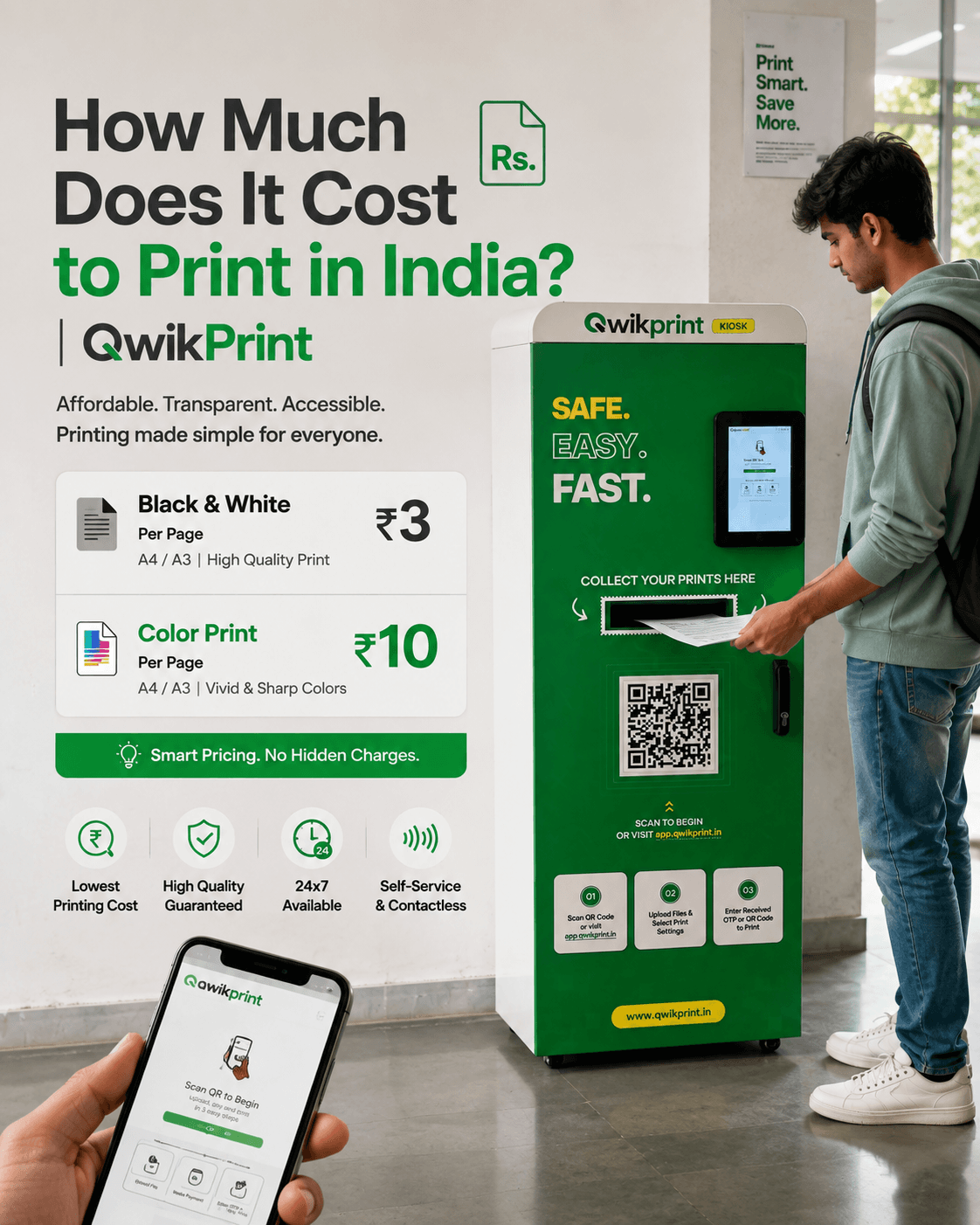
A QwikPrint self-service kiosk. Scan the QR code on the kiosk, upload the PDF from your phone, pay online and collect your print. Nobody else handles your file, and black-and-white prints usually cost ₹2–3 a page.
Tip: if a printer or upload page won’t accept the password-protected file, open it on your phone with the password, use Print → Save as PDF to save a copy without the password, print that copy and then delete it.
Colour or black and white?
A black-and-white printout is fine for most purposes, since what matters is the information and UIDAI’s digital signature on the original file. If a form or office specifically asks for a colour copy, print in colour.
How do I cut it into a card?
The e-Aadhaar page includes a card-sized section with the front and back of your Aadhaar. Cut along the border, fold it in the middle so the two sides face out, and it fits in your wallet. You can laminate it at a stationery shop if you want it to last.
Can I get a PVC Aadhaar card instead?
Yes. If you want a sturdy, wallet-sized card, you can order an Aadhaar PVC card from UIDAI through the myAadhaar portal or the mAadhaar app. Since 1 January 2026 the fee is ₹75, including taxes and delivery, and the card is sent to your address by Speed Post. It takes a few days, so a printout is still the quicker option when you need a copy today.
How do I keep my Aadhaar safe when printing?
Use the masked Aadhaar whenever the full number isn’t needed.
Don’t leave extra copies or spoiled prints at the shop.
On photocopies you hand over, write the purpose and date, for example “For bank KYC only, 7 Nov 2026”.
Delete the unlocked PDF and any WhatsApp copies once you’ve printed.
Need other documents printed from your phone? Here’s how to print straight from WhatsApp, and what to do when you need 24 hour printing near you.