General
10 min
What Goes Into Running a QwikPrint Kiosk Every Month?
One of the most common questions from potential franchise partners is:
"Beyond the initial investment, what does it actually cost to keep a QwikPrint kiosk running every month?"
The answer is simpler than most people expect. A QwikPrint kiosk has very few recurring costs, and every one of them is predictable, manageable, and designed to fit comfortably within the kiosk's earning potential.
Here's a complete breakdown of the monthly expenses involved.
1. Space
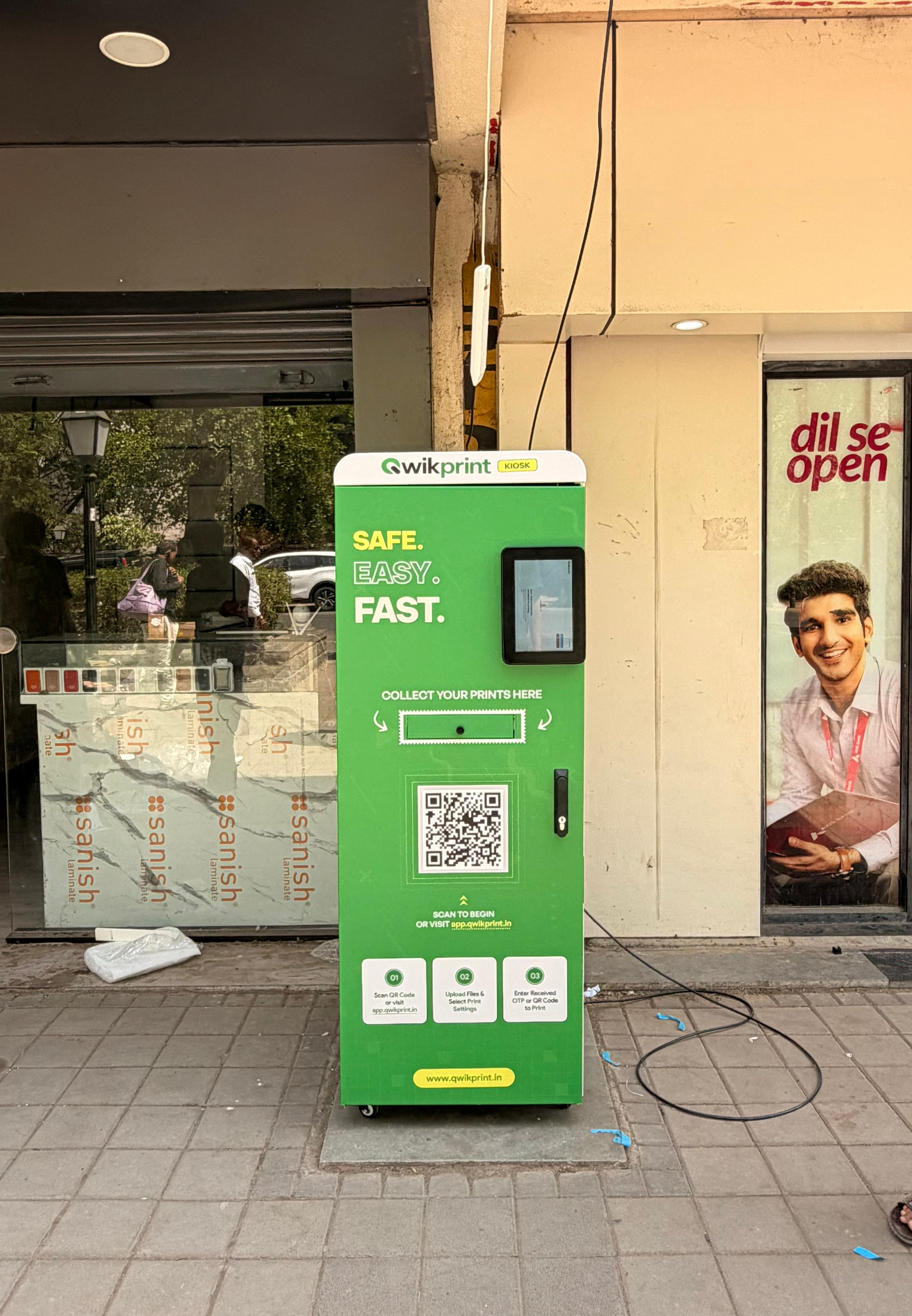
The QwikPrint kiosk requires just 4 square feet of floor space. That's it.
Because of its compact footprint, it can be installed in locations such as:
College corridors
University lobbies
Government office entrances
Libraries
Commercial buildings
Other high-footfall public spaces
No construction, renovation, or dedicated room is required.
Rental Strategy for Universities and Colleges
For educational institutions, we recommend starting with a 2–3 month trial period before signing a long-term rental agreement. This allows both the institution and the franchise partner to evaluate the kiosk's performance before making a permanent commitment.
Since the kiosk provides a valuable service to students and staff, many institutions are open to this arrangement.
After the trial period, rental costs generally range between ₹1,500 and ₹2,000 per month, depending on negotiations and location. In some cases, institutions may even provide space at no cost.
As a result, space is typically one of the smallest monthly operating expenses.
2. Electricity
The QwikPrint kiosk is designed for excellent power efficiency.
Even if it operates 24 hours a day, 7 days a week, the monthly electricity cost is typically around ₹650 or less.
Every kiosk also comes equipped with a built-in UPS, providing protection against:
Sudden power cuts
Voltage fluctuations
Interrupted print jobs
Hardware damage caused by unexpected outages
This ensures uninterrupted service while protecting both your equipment and revenue.
3. Connectivity
For optimal performance, we recommend using a wired LAN connection. A LAN connection offers:
Faster data transfer
Stable connectivity
Quicker print processing
Better customer experience
However, flexibility is built into the system.
If LAN is unavailable:
The kiosk can connect to an existing Wi-Fi network, or
A 4G modem can be used with a local SIM card.
Simply recharge the SIM as required, and the kiosk remains connected. The monthly internet expense remains minimal while providing reliable operation in almost any location.
4. Paper
Paper is one of the two primary variable operating costs.
Your monthly paper expense depends entirely on how many pages are printed.
Why QwikPrint Uses 80 GSM Paper
Every QwikPrint kiosk uses 80 GSM premium-quality paper because it offers:
Sharper text output
Better colour reproduction
Improved durability
Fewer paper jams
Reduced maintenance downtime
This results in consistently high-quality prints and a smoother customer experience.
Flexible Procurement
Franchise partners may:
Purchase paper from QwikPrint's recommended suppliers, or
Source paper independently from their preferred vendors.
The only mandatory requirement is that the paper meets the 80 GSM quality standard.
5. Ink
Ink is the second primary variable expense and follows a strict quality policy.
Every QwikPrint kiosk must use only original Epson or Canon ink, depending on the installed printer model.
The use of:
Third-party inks
Duplicate products
Unverified refills
is strictly prohibited.
Why Original Ink Matters
Non-genuine inks can:
Clog print heads
Reduce print quality
Damage internal components
Lead to expensive repairs
Most importantly, using unauthorised ink immediately voids the printer warranty, leaving repair costs entirely with the franchise partner.
To ensure consistency and reliability, ink is purchased directly through QwikPrint. The per-print ink cost is already factored into the business model and remains predictable even at higher print volumes.
Monthly Running Cost Summary
Expense | Estimated Monthly Cost |
|---|---|
Space / Rent | ₹0 – ₹2,000 (location dependent) |
Electricity | Up to ₹750 (24/7 operation) |
Internet | Up to ₹600 |
Paper | Variable (depends on print volume) |
Ink | Variable (depends on print volume) |
Miscellaneous | ₹500 – ₹800 |
QwikPrint Commission | 10% of gross monthly revenue |
Final Thoughts
One of the biggest advantages of a QwikPrint kiosk is its lean operating model. Fixed expenses remain low, while variable costs scale naturally with usage and revenue. Even the franchise commission is performance-based, meaning it applies only when the kiosk is generating income.
The result is a predictable, efficient, and franchise-friendly cost structure designed to support long-term profitability from day one.